Building Games on the ModRetro Chromatic
How I used Codex to make a rooftop runner and put my own games on a cartridge.
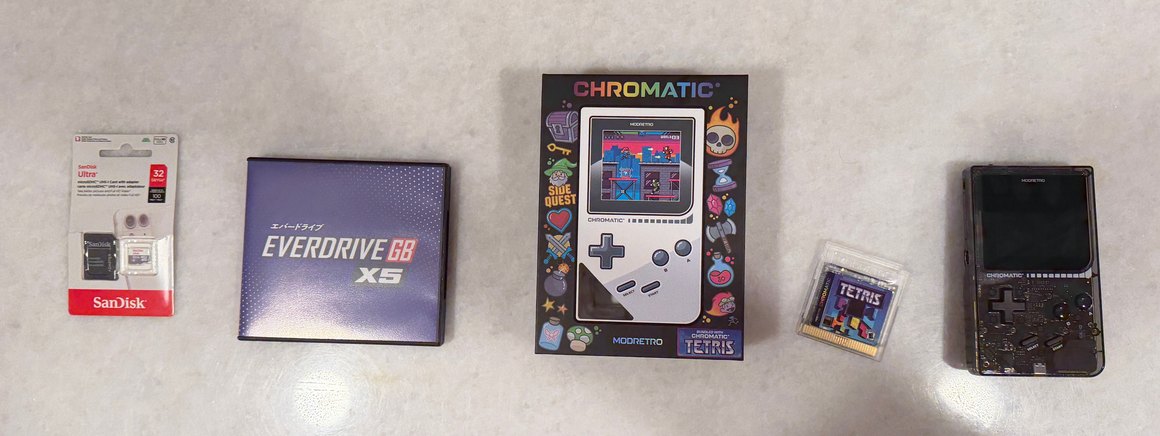
I was jealous of everyone who got a DevDay edition ModRetro Chromatic. When I found the ModRetro plugin in Codex, I bought the Smoke one with the see-through case. I wanted to see if I could make something for it that I’d actually want to play.
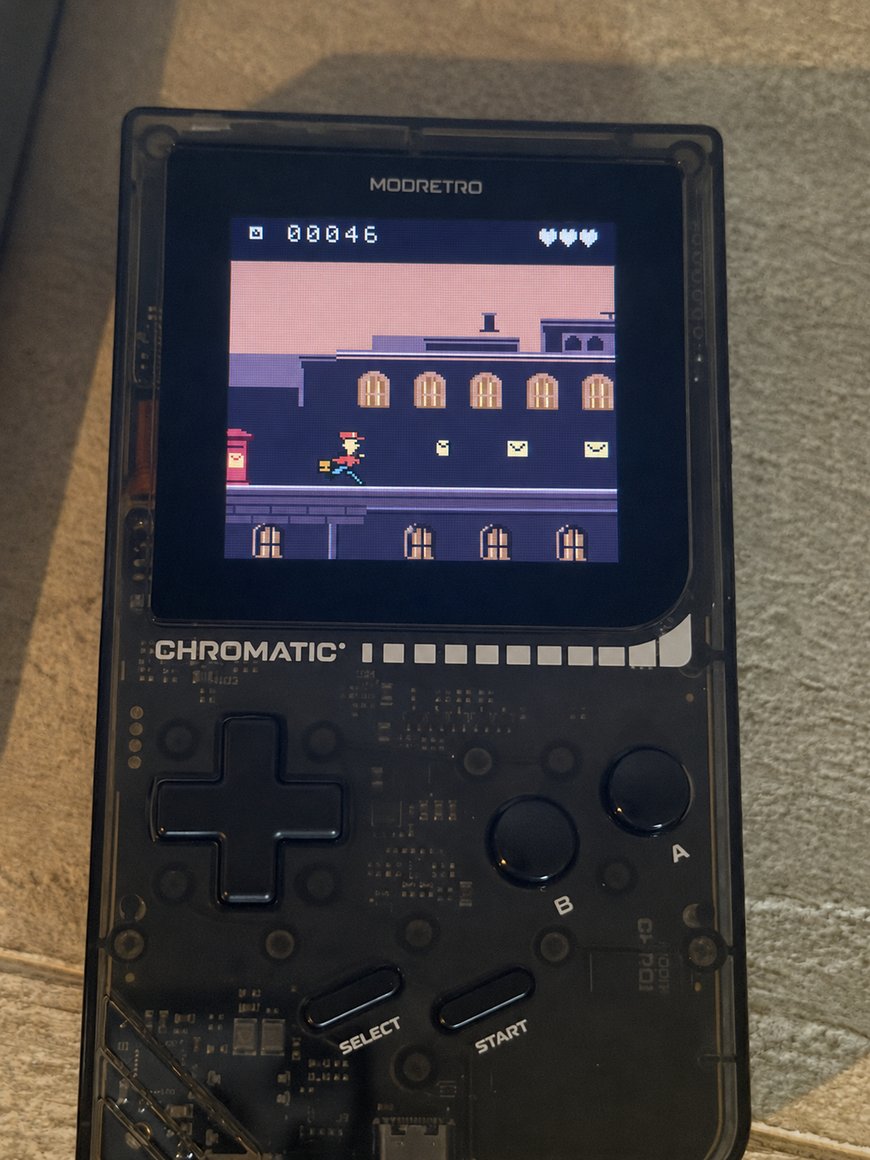
I made a game called Nightpost. You’re a courier collecting letters on rooftops after dark. I wanted you to know where you were just by looking at the roofs. You pass a bell tower at night, jump between terraces at sunrise, and duck under two awnings in the daytime market. On a bad run you can miss the sunrise entirely.
One early version had a pretty good landing, but the courier would hit the roof, straighten up, and then remember he was supposed to be running. I asked Codex to make his first step part of the landing. Then there were the envelopes. You know how a coin in Mario turns on its edge and catches your eye? I wanted that, only when it turned back around you’d see the little fold in the paper.
There’s one jump where you need to slide under an awning almost as soon as you land. In an earlier version, if you pressed slide a hair too early, the courier ran straight into it. You’d seen the awning and hit the right button. Now the game remembers that press until his shoes touch the roof.
The cartridge I use is an EverDrive-GB X5. It takes a microSD card; mine is 32 GB. The easy thing to forget is how you’ll plug it into your computer. If yours has a full-size SD slot, a microSD-to-SD adapter will do. Otherwise, a USB-C microSD reader works with a MacBook.
To put your own game on it, start with a FAT32 microSD card. Unzip Krikzz’s X-series OS download and copy the GBCSYS folder to the top level of the card. Drag your game file (.gb or .gbc) onto the card alongside it. Eject the card from your computer, slip it into the EverDrive and put the cartridge in the Chromatic while it’s off. Turn it on and pick your game. When you change something, you can replace the game file on that same card.
I think AI is going to be huge for gaming. The part that feels revolutionary to me is being able to try a game I’ve had in my head and decide, five seconds in, that the guy runs funny. I get to go back and fix that. I’m making a surfing game called Afterglow too. I want to be able to lean into a turn and feel the board stay on the face of the wave. That’s the next thing I want to get right.